



Not every smart purchase feels smart at the time. Some of the most useful tools in our creative workflow were the ones we hesitated on, questioned, or bought on a whim. They didn’t look impressive in a cart, and a few of them felt unnecessary until we used them once and never looked back.
This list isn’t ranked, and none of these are sponsored or affiliated purchases. These are just products we bought ourselves, almost skipped, and are now glad we didn’t.
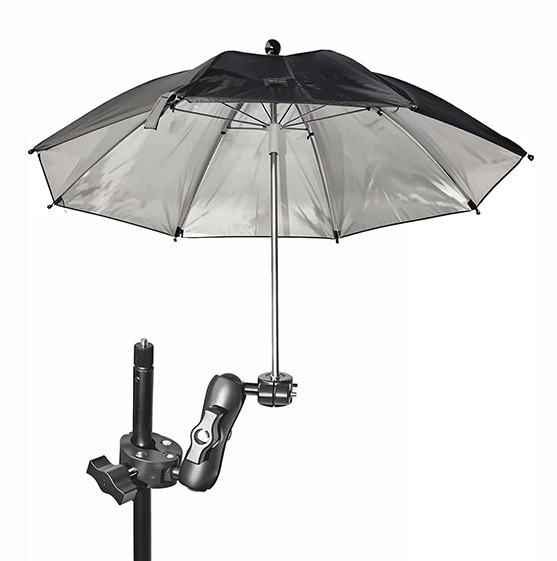
An umbrella for phone and camera setups
This one came from a mistake we don’t plan to repeat. During a time-lapse shoot, our phone overheated from sitting in direct sunlight and shut down halfway through recording. Since adding a small umbrella that clamps to our tripod, overheating has stopped being an issue. It blocks direct sun, keeps devices at a safer temperature, and allows us to confidently leave cameras running for longer periods. As a bonus, it also provides light rain protection, which is especially helpful for outdoor shoots where weather can change quickly. It’s a simple fix that protects both our equipment and our time.
Source: Amazon
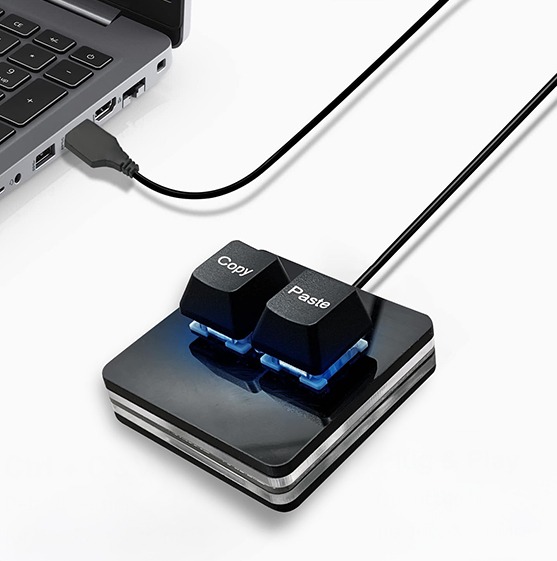
A copy and paste button
Source: Amazon
We were skeptical about this one. A physical copy and paste button felt unnecessary, almost gimmicky. Instead, it became one of the most used tools on our desk. When your work involves constant writing, editing, and design, copying and pasting happens hundreds of times a day. Having a dedicated button reduces repetitive hand movements and speeds up those tiny tasks that quietly eat up time. The result is less friction in our workflow and fewer interruptions when we’re in the middle of focused work. It’s a small change that adds up over the course of a week.
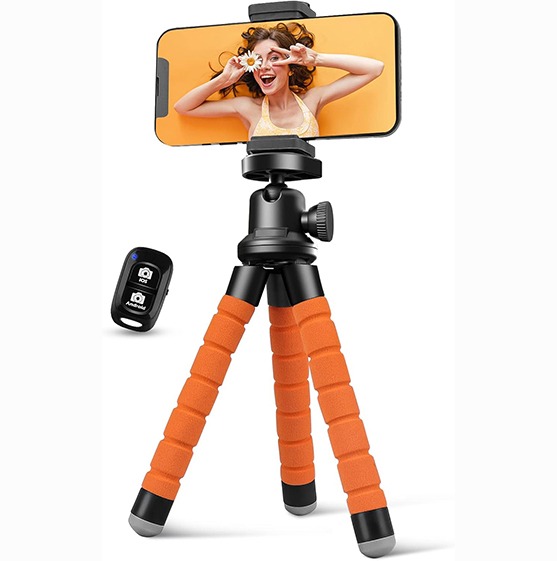
A flexible tripod and camera holder
There are plenty of camera stabilizing options out there, ranging from high end gear to full production setups. As a startup, we chose a more budget friendly flexible tripod, and it’s worked perfectly for what we need right now. Before this, we tried to make handheld shots work more often than we should have, and it showed. The flexible tripod gave us stable footage without pulling out a full size tripod, kept fingers out of frame, and allowed for quick, easy setups. We can place it on a surface, wrap it around railings, or use it as a small stand for hands free recording. It also lets us step away from the camera while filming, making time lapses, walkthroughs, and behind the scenes content much easier to capture cleanly. If we ever outgrow it, we’ll upgrade, but for now, this simple option gets the job done.
Source: Amazon
A foldable Bluetooth keyboard

Source: Amazon
Working from an iPad is convenient, but typing on a touchscreen all day isn’t efficient. We almost skipped this foldable keyboard, assuming it would feel awkward or flimsy. Instead, it gave us the flexibility of a laptop without the bulk. The layout feels familiar, it connects quickly, and it folds down small enough to toss in a bag. It made working outside the office easier and more comfortable, letting us respond to emails, edit content, and get real work done without carrying extra weight. While we picked ours up from Aldi for ten dollars, we’ve found similar options available online as well.
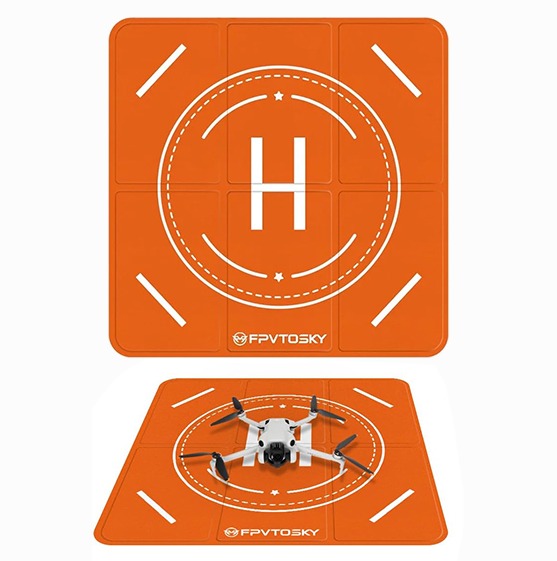
A drone launch pad
Launching a drone in real world environments isn’t always ideal. Many of our shoots take place in finished backyards where dirt, gravel, and grass can interfere with takeoff. The drone launch pad gives us a clean, controlled surface for both launching and landing. It protects the drone from debris, prevents grass from clipping the blades, and adds consistency to every flight. It also creates a more professional setup on site, which matters when working around completed spaces and clients’ homes. They don’t have the orange pad available at this time, you can find the same pad in red on Amazon.
Honorable mention: Wireless mic
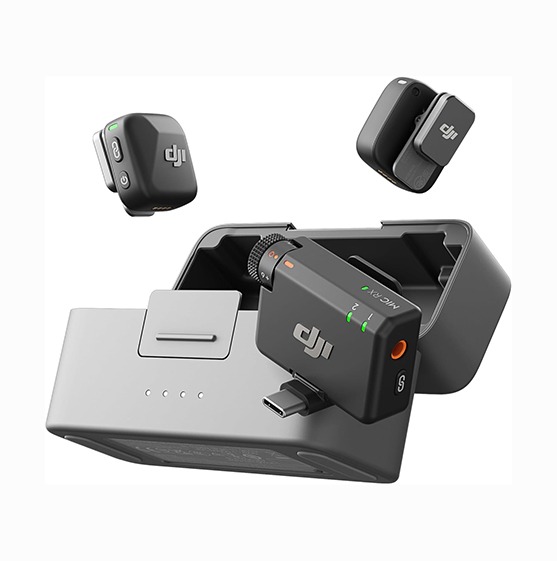
Source: Amazon
Audio quality is easy to overlook until it becomes a problem, which is why this one earns an honorable mention. It’s not an out-of-the-box purchase most people think about, but it’s a necessary upgrade that’s often overlooked. We started with phone microphones, but the quality was inconsistent and frequently picked up unwanted background noise. Switching to a wireless lav mic instantly improved clarity and reliability. Recordings sound cleaner, require less editing, and work seamlessly across both phones and cameras. For voiceovers, interviews, and on site content, this upgrade made a noticeable difference in the final product.
Final Thoughts
None of these purchases were flashy or expensive, but each one solved a real problem we were working around every day. They saved time, improved quality, and made our workflow more efficient without adding complexity. The biggest takeaway is that the right tools don’t have to be perfect or high end. They just have to work for where you are right now. At Creative Fox, we’re always looking for ways to work smarter, not harder, and sometimes that starts with noticing the small things and choosing better tools for the job.